



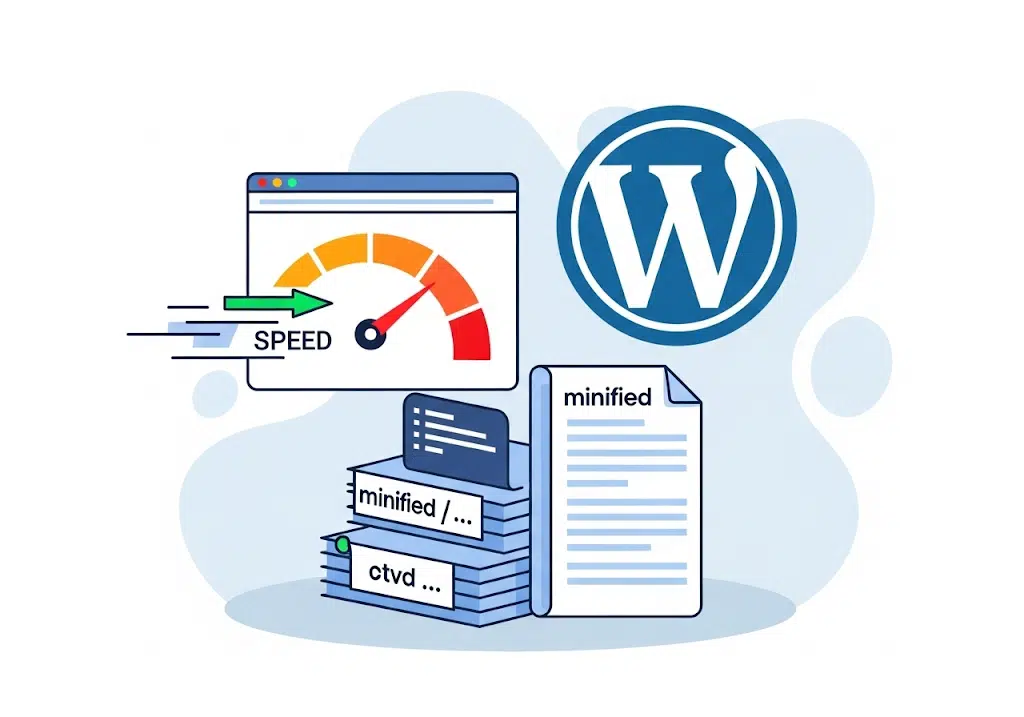
What is Minification?
Minification is the process of reducing file size by removing unnecessary characters like whitespace, comments, and line breaks from your code. This can significantly improve your website’s loading speed.
How to Minify Files in WordPress
The most common and recommended way to minify files in WordPress is by using a plugin, as it automates the process and is generally safer than manual methods.
Using a Plugin
- WP Rocket: A popular caching and performance plugin that includes features to minify CSS and JavaScript. It provides a simple way to enable these optimizations from the “File Optimization” tab in its settings.
- Autoptimize: A free and widely-used plugin known for its ease of use. It can aggregate, minify, and cache your HTML, CSS, and JavaScript. It also has options for optimizing Google Fonts and images.
- WP Fastest Cache: This plugin also offers minification options for CSS and JavaScript, allowing you to easily enable them from its settings.
- SiteGround Optimizer: If you use SiteGround hosting, this plugin is available to minify files and optimize other performance aspects of your site.
Best Practices to Avoid Breaking Your Site
- Backup Your Site: Before making any changes, always back up your site’s files and database.
- Test After Each Change: After enabling minification for a specific file type (e.g., CSS), check your website’s front-end to ensure everything is working correctly. If you notice any issues, you can simply deactivate the feature or the plugin to revert the changes.
- Check Minification Status: You can use tools like Google PageSpeed Insights or GTmetrix to see if your files are being minified correctly.

 Start chat