



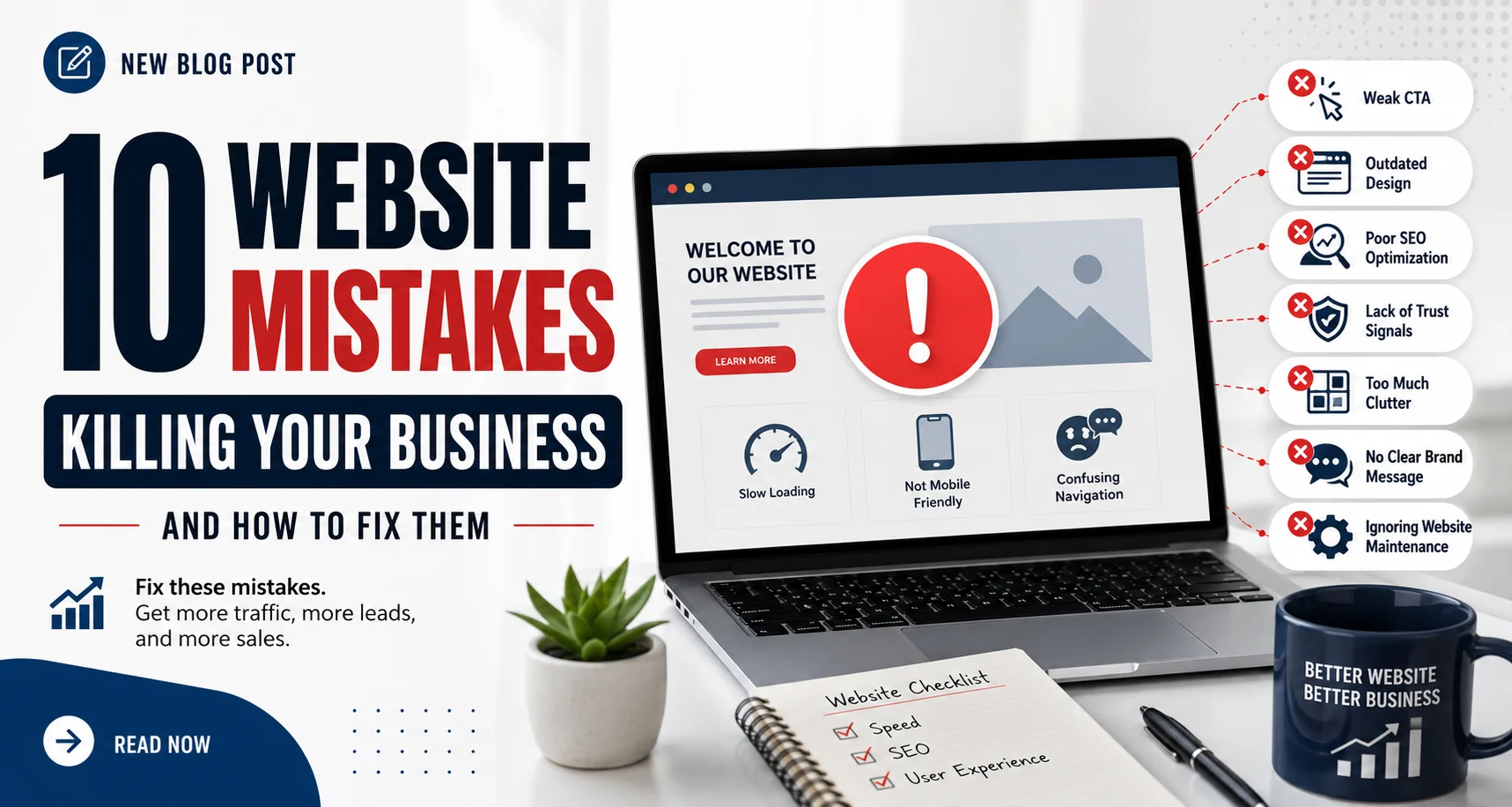
10 Website Mistakes Killing Your Business (And How to Fix Them)
Your website is often the first impression customers have of your business. But if it’s slow, confusing, outdated, or difficult to use, visitors leave within seconds — and many never come back.
A poorly optimized website doesn’t just hurt your brand image. It directly impacts leads, sales, SEO rankings, and customer trust.
Here are 10 common website mistakes that could be silently killing your business — plus practical ways to fix them.
1. Slow Loading Speed
People expect websites to load fast. If your site takes more than a few seconds, visitors will likely leave before seeing your content.
Why it hurts:
Higher bounce rates
Lower Google rankings
Reduced conversions
Poor mobile experience
How to fix it:
Compress images
Use caching
Remove unnecessary plugins
Upgrade your hosting
Optimize code and scripts
Even a one-second delay can reduce conversions significantly.
2. Not Mobile-Friendly
More than half of web traffic comes from mobile devices. If your website looks broken or difficult to navigate on phones, you’re losing customers daily.
Signs of poor mobile design:
Tiny text
Buttons too close together
Horizontal scrolling
Slow mobile performance
Fix:
Use responsive design so your website adapts smoothly across all screen sizes.
3. Confusing Navigation
Visitors should instantly know where to go on your website. Complicated menus and cluttered layouts frustrate users.
Common navigation mistakes:
Too many menu items
Hidden pages
No clear call-to-action
Inconsistent structure
Fix:
Keep navigation simple, clean, and predictable. Make important pages easy to find.
4. Weak Call-to-Action (CTA)
If users don’t know what action to take, they won’t take any.
Poor CTA examples:
“Click Here”
No CTA at all
Multiple competing buttons
Strong CTA examples:
“Book a Free Consultation”
“Get Your Free Quote”
“Start Your Trial Today”
Fix:
Use clear, action-driven buttons throughout your site.
5. Outdated Design
An outdated website can make your business appear unprofessional or inactive.
Signs your design feels old:
Tiny fonts
Cluttered pages
Stock-heavy visuals
Flashy animations
Inconsistent branding
Fix:
Modernize your layout with clean typography, whitespace, consistent branding, and updated visuals.
6. Poor SEO Optimization
A beautiful website is useless if nobody can find it.
Common SEO mistakes:
Missing meta titles/descriptions
No keyword strategy
Poor page structure
Missing alt text
Slow performance
Fix:
Optimize every page for search engines while maintaining a great user experience.
7. Lack of Trust Signals
People need reassurance before buying from you.
Missing trust elements:
Testimonials
Reviews
Contact information
SSL certificate
Portfolio or case studies
Fix:
Add social proof and trust-building elements throughout your site.
8. Too Much Clutter
Trying to say everything at once usually results in visitors understanding nothing.
Clutter problems:
Too many colors
Large blocks of text
Excessive popups
Overcrowded pages
Fix:
Simplify your design. Focus on clarity and readability.
Remember: less is often more.
9. No Clear Brand Message
When visitors land on your homepage, they should immediately understand:
What you do
Who you help
Why they should choose you
If your messaging is vague, users leave confused.
Fix:
Create a strong headline and concise value proposition above the fold.
10. Ignoring Website Maintenance
Websites require regular updates to stay secure and functional.
Risks of neglect:
Broken links
Security vulnerabilities
Outdated plugins
Poor performance
Compatibility issues
Fix:
Perform regular maintenance checks and updates.
Final Thoughts
Your website should work as a 24/7 sales tool — not a barrier between you and potential customers.
Fixing even a few of these mistakes can dramatically improve:
User experience
Search rankings
Lead generation
Conversion rates
Brand credibility
If your website isn’t helping your business grow, it may be time for a redesign or optimization strategy.
Because in today’s digital world, your website isn’t just part of your business — it is your business.
Is Your Website Costing You Customers?
Most businesses are losing 30–50% of potential leads from fixable website issues. The good news: every single mistake above is completely solvable with the right strategy.
Here’s your fully formatted blog post! Here’s a quick breakdown of what’s covered:
- Slow Loading Speed — the silent conversion killer
- No Clear CTA — confused visitors don’t buy
- Not Mobile-Friendly — 60%+ traffic is mobile
- Weak Social Proof — trust is everything
- Confusing Navigation — lost visitors leave
- Ignoring SEO — invisible sites don’t get traffic
- Unclear Value Proposition — 5 seconds to hook them
- No Lead Capture — you’re losing warm prospects
- Outdated Design/Content — kills credibility fast
- No Analytics — flying blind = wasted budget
Each mistake includes a quick-win fix so readers leave with actionable takeaways. The “Get My Free Website Audit Plan” button at the bottom is interactive — click it to generate a personalised audit action plan.
Want me to export this as a Word doc, adjust the tone (more technical, more casual), or add any additional sections?


 Start chat